Choosing a projector
Can you watch Netflix on a portable projector?
Yes, by the route Netflix publishes: connect a device Netflix supports to the portable projector's HDMI input and let the projector show that device's picture. Netflix's own app runs only on projectors from brands it has partnered with, and it does not support AirPlay. Neon+ publishes "Support HDMI 2.0 input" on all seven of its portable projectors in Malaysia; no Neon+ table publishes HDCP support, so confirm that with Neon+.
Reviewed 18 October 2026
Key takeaways
In short
- Netflix states that the built-in app "only works on projectors made by brands that have partnered with us". It names sixteen; Neon+ is not one.
- For any other projector, Netflix's instruction is to connect a supported device by HDMI — a streaming player or a laptop.
- "Netflix doesn't support AirPlay," Netflix states. Casting works only to devices on its list — among them a Chromecast of the third generation or older, which plugs into HDMI.
- No Neon+ table publishes HDCP support or streaming certification, so ask Neon+ about the model you want.
- The highest physical resolution Neon+ publishes is 1920*1080, so plan on Full HD.
On this page8 sections
Method and scope Netflix's position on projector apps, AirPlay, casting, supported devices, browser resolutions, HDCP and 4K is quoted from five Netflix Help Center pages read on 18 October 2026. The Android licensing point is quoted from the Android Open Source Project's compatibility overview, read the same day. Every Neon+ figure — operating system, physical resolution, brightness, HDMI, USB, Wi-Fi, audio output, box contents and price — is quoted as Neon+ publishes it in each product's specification table, read on 22 September 2026 and re-read live on 18 October 2026. Nothing is stated here about which apps a model ships with, or about HDCP support, because no Neon+ table publishes either.
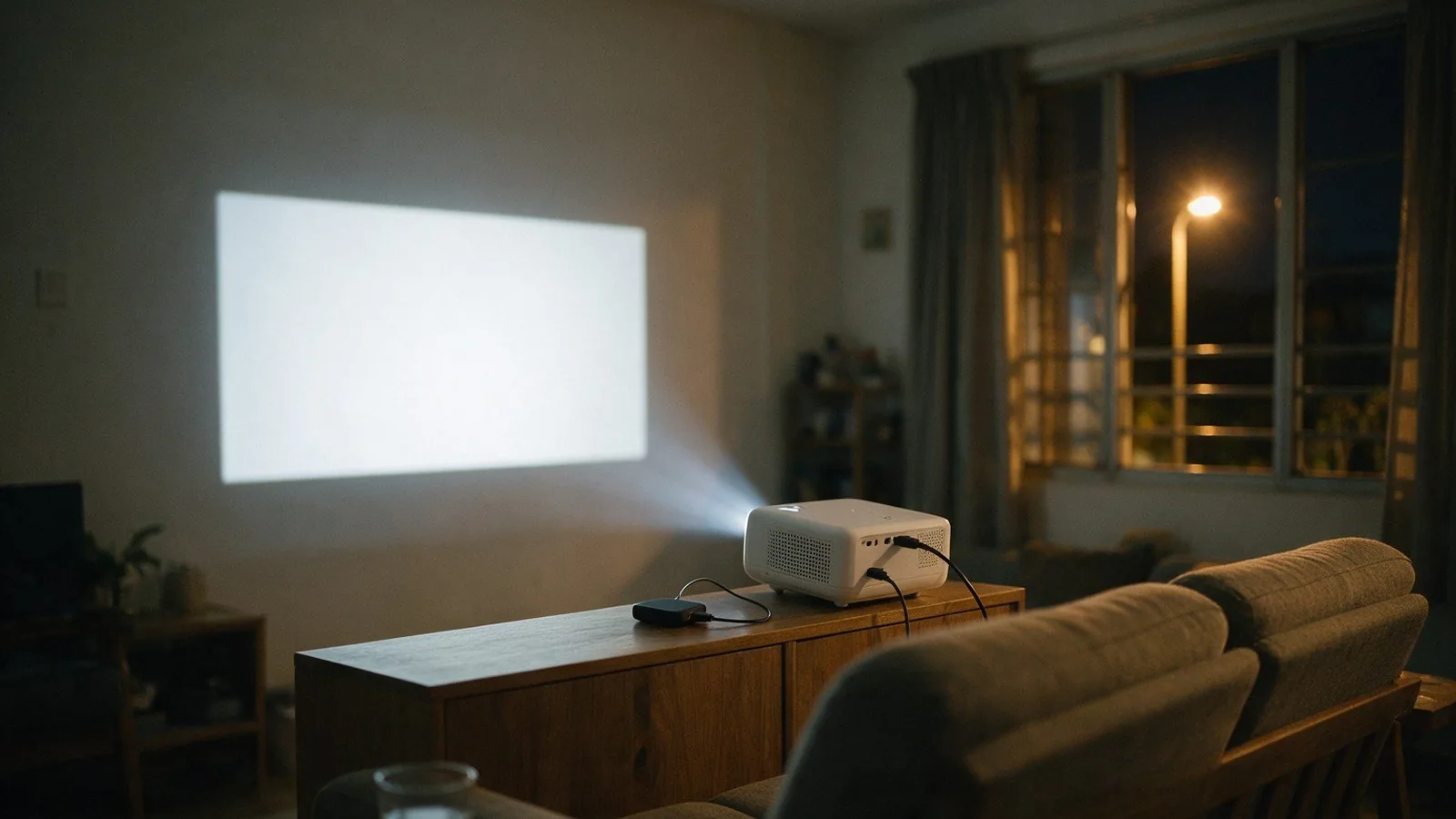
Does an Android projector come with Netflix installed?
Neon+ publishes an Android version for every model and names no apps at all — no app store, no streaming service, nothing. Running Android is not the same as being a Google-certified device, and neither is the same as carrying a licensed Netflix app.
Netflix is explicit about where its app runs. Its projector help page states that "The Netflix app only works on projectors made by brands that have partnered with us", and lists sixteen partner brands, among them Samsung, LG, Xiaomi, XGIMI, Nebula and Dangbei. Neon+ is not among them.
The Android label is a separate question from the app question. The Android Open Source Project says a device that clears its compatibility tests becomes eligible for "potential licensure of the Android Play Store and the Google Mobile Services (GMS) suite of applications". The source code is free to use; the Google app store is a licence on top of it.
What Neon+ publishes is the version number: Android 9.0 on the Q1, K5, V8 and V6, Android 11.0 on the X5 and X5 Plus, and AOSP Android 9.0 on the C2000. No table names an app, an app store, YouTube or any streaming service. Netflix's advice for an unlisted projector is to ask the manufacturer, so ask Neon+ which apps your model ships with.
Can you cast or mirror Netflix from your phone?
Not from the phone's own Netflix app straight to the projector. Netflix states that it "doesn't support AirPlay", and that it "may not support certain devices or mirroring apps". Its cast-compatible list names no projector: Chromecast third generation or older, Google Nest Hub smart displays, select cast-enabled Vizio TVs and select cast-enabled Compal TVs.
That list is a route rather than a dead end, because Netflix's own instruction for an unlisted projector is to connect a streaming device by HDMI, and the Chromecast on its cast list plugs into an HDMI port.
Netflix is hedged on screen mirroring too: it says it "may not support certain devices or mirroring apps". That is worth knowing before you read a specification sheet. All seven Neon+ tables publish a wireless same-screen feature, and the C2000 a wired one, but neither line names an app or a service. Ports by model are in which projector connections to check before buying.
How do you watch Netflix on a projector with no Netflix app?
You put a device Netflix supports on the projector's HDMI input. Netflix's instruction for a projector outside its partner list is to connect a computer, a streaming stick or a mobile device by HDMI and stream from that, so the projector only has to display what arrives on the cable.
- Choose a device that runs Netflix itself rather than the projector's built-in system. Netflix's supported-devices page names Amazon Fire TV and Fire TV Stick, Apple TV, Chromecast and Roku among TV streaming devices, and Mac, Windows and Chromebook among computers. Netflix's cast list covers only a third-generation or older Chromecast; on a newer streaming player you open Netflix on the player, and Netflix says "If your device isn't listed, you can still use the remote that came with your TV or device to open Netflix".
- Connect it to the HDMI 2.0 input all seven Neon+ tables publish. Only the K5 and V6 published packing lists include an HDMI item, so with the other five supply your own cable.
- Power the player from its own plug unless Neon+ confirms the USB HOST 2.0 port every table publishes will run it; none says what it will power.
- Switch the projector to its HDMI input and sign in to Netflix on the connected device.
- For sound, Neon+'s FAQ states that "All our models are equipped with HDMI ports for high quality audio and video output" — or use the 3.5 mm output six of the seven tables publish; the C2000's does not.
No Neon+ table publishes HDCP support, so whether protected video passes is a question for Neon+. Box lists are in what comes in a Neon+ projector box; the sound side is in whether you need an external speaker.
Will Netflix look sharp on a portable projector?
Plan on Full HD at best. The highest physical resolution Neon+ publishes on any model is 1920*1080, on the Q1, the X5 and the X5 Plus; the V6 and V8 publish 1280*800, and the C2000 and K5 publish 960*540, which Neon+ labels "QHD". Netflix publishes Ultra HD on select Samsung, LG and Xiaomi projectors.
If the connected device is a laptop, the browser sets a ceiling of its own, and on some combinations it sits below the projector's panel. Netflix publishes up to 2160p in Edge and Chrome on Windows but 1080p in Firefox and Opera, and on a Mac 2160p in Safari, 1080p in Chrome, Firefox and Opera, and 720p in Edge.
One line in the Neon+ tables is easy to misread as a 4K claim. The CPU row publishes "MTK Decode 4K H265/AVS2 4K*2K/30HZ" on five models, and "MTK9630 Decode 4K ..." on the X5 and X5 Plus. That row describes decoding; the separate "Physical resolution" row is what the projector puts on the wall, and the projector glossary defines both. Before comparing models, read native resolution versus supported input.
Which Neon+ model suits a streaming setup?
On the streaming route no Neon+ model differs from another: all seven publish the same "Support HDMI 2.0 input", and no table says what any system ships with. Pick instead on the two rows that do differ, physical resolution and brightness, and on whether you need the 3.5 mm audio output the C2000's table does not publish.
| Model | Price | Physical resolution, as published | Brightness, as published | Operating system, as published | 3.5 mm audio out |
|---|---|---|---|---|---|
| Q1 Projector | RM799 | 1920*1080P | 150 ANSI Lumens | Android 9.0 | Yes |
| C2000 Projector | RM1,359 | QHD 960*540P | 180 ANSI | AOSP Android 9.0 | Not listed |
| K5 Projector | RM2,299 | QHD 960*540P | 350 ANSI | Android 9.0 | Yes |
| V8 Projector | RM2,899 | 1280*800P | 600 ANSI | Android 9.0 | Yes |
| V6 Projector | RM3,800 | 1280*800P | 600 ANSI | Android 9.0 | Yes |
| X5 Projector | RM4,599 | 1920*1080P | 1600 ANSI | Android 11.0 | Yes |
| X5 Plus Projector | RM4,999 | 1920*1080P | 1600 ANSI | Android 11.0 | Yes |
The Q1 is the row worth looking at twice: Neon+ publishes 1920*1080P for it at RM799, the same physical resolution as the X5 at RM4,599, and 150 ANSI Lumens against the X5's 1600 ANSI. Resolution and brightness are different rows, and which matters more depends on the room — see how room light and image size affect brightness, or start with the room, not the spec sheet. The full range sits on the Neon+ shop.
What should you ask Neon+ before you buy?
Three questions decide whether the cable route is pleasant on a given model, and no Neon+ specification table answers any of them.
- Which apps does this model ship with, and is it certified by any streaming service?
- Does this model's HDMI 2.0 input support HDCP 2.2 — the copy protection Netflix names when it tells you to check a video cable or adapter?
- Will the USB HOST port power a streaming player, or does the player need its own plug?
Send Neon+ the model and the device you plan to plug into it, and ask for the answers in writing before you order. WhatsApp Neon+ on +6012-565 2091. Neon+ sells and supports these projectors from its showroom in Ipoh, Perak, with branches in Kota Kinabalu and Sibu. Warranty, delivery and support terms are in what to know before you buy a Neon+.
Quick answers
Frequently asked questions
Does an Android projector's app store have Netflix?
No Neon+ specification table answers that. The tables publish the Android version and stop there: none names an app store, an app or a streaming service, and none says one is absent. Confirm it per model with Neon+.
Why does Netflix play sound but show no picture on a projector?
Netflix's black-screen guidance points at the cable rather than the projector. It says to "Make sure you're using an HDMI cable" and, on a USB-C or Thunderbolt route, to "Make sure your video cable or adapter supports HDCP 2.2". For an iPhone or iPad, it says an adapter whose model number is not A1438 or A1621 is not supported.
Can you install the Netflix app on an Android projector yourself?
Netflix publishes two routes for a projector outside its partner list: connect a Netflix-supported device by HDMI, or ask the manufacturer whether the projector has been certified for Netflix. It publishes no way to add its app to an uncertified projector, and no Neon+ table names an app store. Ask Neon+ about the model you want.
Sources
Sources
- Netflix Help Center, How to watch Netflix on your projector — partner brands, the HDMI instruction, the pre-2016 note and the Ultra HD requirements. Read 18 October 2026.
- Netflix Help Center, How to Cast or Mirror Netflix from Your Mobile Device — AirPlay and mirroring support, and the cast-compatible device list. Read 18 October 2026.
- Netflix Help Center, Netflix Supported Devices — the TV streaming devices and computers Netflix names. Read 18 October 2026.
- Netflix Help Center, Netflix supported browsers and system requirements — maximum resolution by browser and operating system. Read 18 October 2026.
- Netflix Help Center, Black screen with sound — cable, HDCP 2.2 and adapter checks. Read 18 October 2026.
- Android Open Source Project, Android Compatibility program overview — the compatibility tests and GMS licensing. Read 18 October 2026.
- Neon+ specification tables, one per model, read over the Neon+ shop's own product data on 22 September 2026 and re-read 18 October 2026: Q1, C2000, K5, V8, V6, X5, X5 Plus.
- Neon+ FAQ — the HDMI audio and video output statement. Read 18 October 2026.
Tell Neon+ what you plan to plug in
Send Neon+ the model you are looking at and the device you plan to connect — a laptop, a streaming player, a phone — and ask which apps that model ships with and whether its HDMI input supports HDCP 2.2. Call +6012-565 2091 or email info@neonplus.com.my.
More Neon+ guides and pages
- About Neon+, the portable projector brand from Ipoh
- Contact Neon+: phone, email and the Ipoh showroom
- Neon+ questions, answered
- Projector glossary: spec-sheet terms, defined
- Neon+ projector guides
- Neon+ privacy policy
- Neon+ V6 projector specifications
- How to choose a portable projector: start with the room
- Native resolution vs supported input: what projector buyers should check
- Battery projector or externally powered projector?
- How room light and image size affect projector brightness in a classroom
- Which projector connections should you check before buying?
- Do you need an external speaker with a portable projector?
- What comes in a Neon+ projector box, and what else do you need?
- How to set up a classroom projector in Malaysia
- What a 1.2:1 throw ratio means for projector distance and placement
- Classroom projector setup checklist: pre-lesson checks
- Neon+ warranty, delivery and support: what to know before you buy