Choosing a projector
Do you need an external speaker with a portable projector?
Every Neon+ projector publishes a built-in speaker, so none needs external speakers just to make sound. Add a powered speaker when the furthest listener sits well beyond a sofa, when the room or the projector's own fan is making noise, or when the material is music or film rather than speech. For film, send the sound down a cable, not over Bluetooth.
Reviewed 16 October 2026
Key takeaways
In short
- Neon+ publishes a built-in speaker on all seven projectors: 5W*2 on five models, 10W*2 on the X5 and X5 Plus.
- Rated watts on a specification table are amplifier input, not loudness, and Neon+ publishes no decibel figure for any model.
- In a free field, sound pressure falls about 6 dB every time the distance doubles (OSHA). Outdoors is the hardest case.
- Six of seven publish a 3.5 mm audio output; the C2000's table does not. All seven publish Bluetooth 5.0.
- For film, use a cable rather than Bluetooth: broadcast testing (ITU-R BT.1359-1) puts the limit of tolerable lagging sound at about 185 ms.
On this page9 sections
Method and scope Model figures are quoted as Neon+ publishes them in each product's specification table, read on 22 September 2026, with the shop prices re-checked on 16 October 2026. The distance, loudness and timing figures come from the named sources at the foot of the page. The search for a published watts-per-room-size chart is our own, and it returned none.
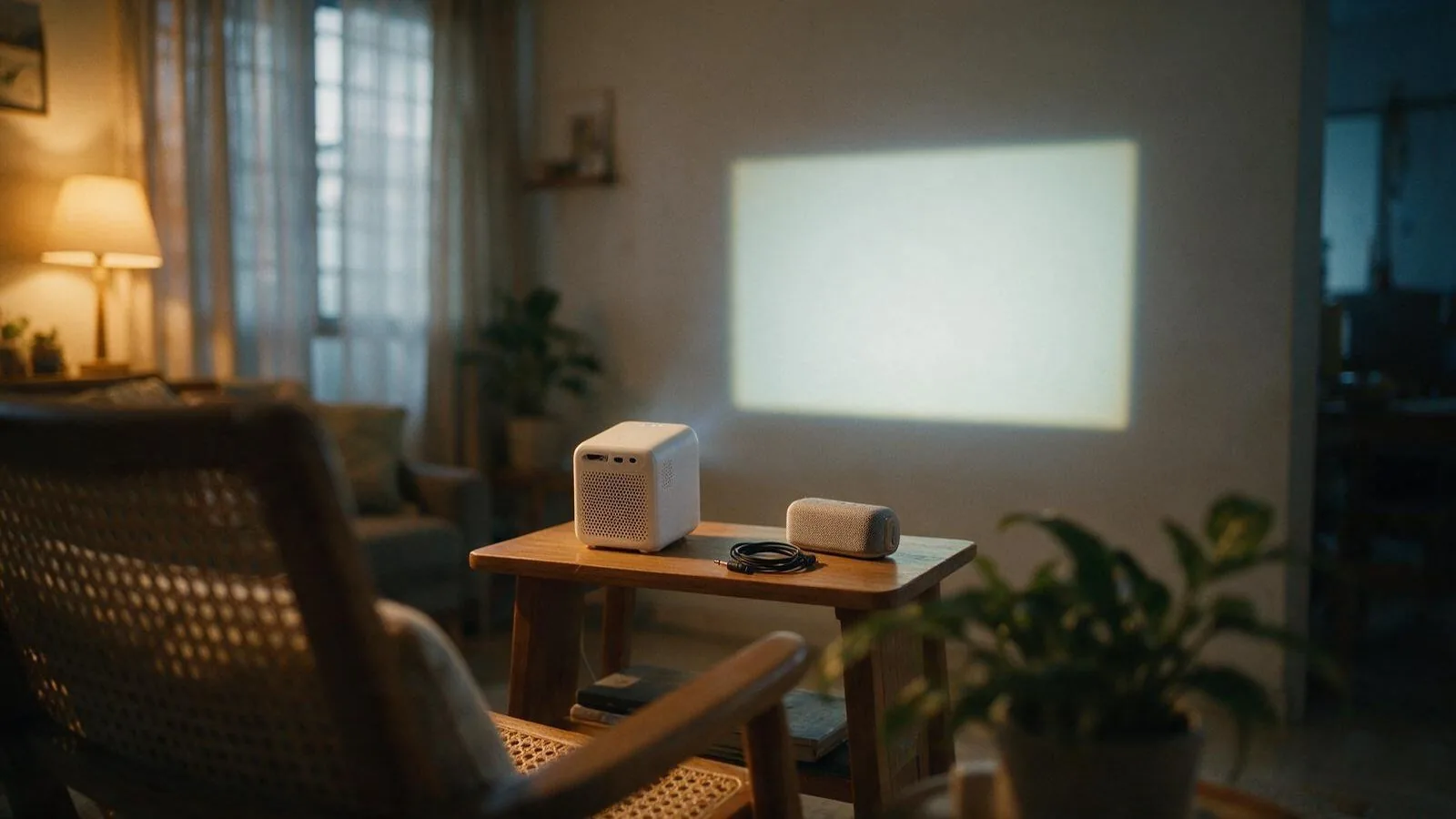
When do you need an external speaker?
You need an external speaker when one of three things is true: the furthest listener sits well beyond a sofa, the room makes its own noise from fans, air-conditioning, traffic or the projector itself, or the material is music or film rather than speech and slides. None of the three is on a specification sheet, which is why this is a decision about the room.
| What you are doing | Which way it points |
|---|---|
| Slides or a briefing, everyone within a few metres | The built-in speaker, nothing added |
| A lesson with the air-conditioning running | Hear it first, then decide |
| A film in the living room | A powered speaker on the 3.5 mm output |
| Music, with nothing on screen to match | Bluetooth 5.0 to a wireless speaker |
| Outdoors, or the back of a hall | A powered speaker, always |
Distance is the part buyers underestimate. The US Occupational Safety and Health Administration's Technical Manual puts it plainly: in a free field "the sound pressure level decreases 6 dB, on a Z-weighted (i.e., unweighted) scale," "each time the distance from the point source is doubled." From two metres, that is a ladder:
- 2 m — the reference
- 4 m — about 6 dB down
- 8 m — about 12 dB down
- 16 m — about 18 dB down
Indoors the drop is gentler, because walls and a ceiling hand some back. Audience size matters only through those two things: how far back the furthest person sits, and how much noise the group makes. If that person is at the back of a hall, WhatsApp Neon+ about projector sound, or start from how to choose a portable projector, room first.
Are built-in speakers enough outdoors?
Outdoors, plan on an external speaker. A garden, a car park or a rooftop in Malaysia is close to the free field OSHA's 6 dB figure describes, so the full drop applies with nothing reflected back, and open-air noise costs you again.
Three models publish a built-in battery, so the C2000, the K5 and the V8 are the Neon+ projectors that run with no mains socket nearby (which Neon+ projectors run on their own battery covers them in full). Of the three, the K5 and the V8 also list a 3.5 mm audio output and the C2000 does not, as published, so an outdoor buyer who wants a wired speaker is choosing between the K5 and the V8.
What sound does Neon+ publish for each projector?
Neon+ publishes a built-in speaker line in all seven specification tables, so no model needs an external speaker to make a noise. As published, the figures fall into two tiers, set out below. No table publishes a decibel figure, a frequency range or a measured response.
| Model | Price | Built-in speaker, as published | 3.5 mm audio output |
|---|---|---|---|
| Q1 Projector | RM799 | 5W*2 | Listed |
| C2000 Projector | RM1,359 | 5W*2 | Not listed |
| K5 Projector | RM2,299 | 5W*2 | Listed |
| V8 Projector | RM2,899 | 5W*2 | Listed |
| V6 Projector | RM3,800 | 5W*2 | Listed |
| X5 Projector | RM4,599 | 10W*2 | Listed |
| X5 Plus Projector | RM4,999 | 10W*2 | Listed |
If sound is the only reason you are considering a step up in price, hear both models before you pay the difference: the tables publish watts, not loudness.
How many watts of projector speaker do you need?
There is no honest answer in watts, because the watts on a specification table are not the watts the physics talks about. OSHA's general rule is that "doubling the sound power increases the noise level by 3 dB", and Hong Kong's Environmental Protection Department puts perception on a third scale again: "the sound is perceived twice as loud if the sound level increases by 10 dB".
A table publishes something else: the watts the amplifier is rated for, which measures nothing about how much sound reaches the back row. We also looked for a watts-per-room-size chart from a projector manufacturer or a standards body and found none — only buying-blog rules of thumb whose floors for a small room ran from 5 W a channel to 50 W and beyond, a spread of more than ten times (our own search, 16 October 2026). Shortlist on the table, then decide by ear.
Will it sound good enough, not just loud enough?
A specification sheet cannot tell you whether a projector will sound good, only what its speaker is rated at. Neon+ publishes rated watts and its own words for each speaker: the Q1's reads "5W*2 Subwoofer Surround Sound Speaker" and the other six "Super bass surround sound". No table publishes a frequency range or a measured response, and none publishes an audio-brand tuning, Dolby or DTS line for any of the seven models.
Watts describe the power an amplifier handles, not how a speaker carries a bass line or a quiet line of dialogue. For slides, a briefing or a lesson, the built-in speaker is the published route and needs nothing added. For music or film, choose the projector on its picture and add a powered speaker you have already heard.
Does the projector's own fan drown out its speaker?
No Neon+ specification table publishes a fan-noise or decibel figure for any of the seven models, so only a listening test answers that. The projector's fan sits beside the audience while its speakers fire into the same room, so judge the built-in speaker with the unit running in the power mode you will actually use.
Which should you add: a Bluetooth speaker, a soundbar or powered speakers?
That depends on the published route you will use and on how much lip sync matters: Bluetooth needs no cable and no mains socket but carries the timing risk below, while the 3.5 mm output needs both and carries none. Whatever you add must have its own amplifier, because the 3.5 mm line is an output: passive bookshelf speakers do nothing on it.
| What you add | How it reaches a Neon+ projector | What it needs | Timing risk |
|---|---|---|---|
| Bluetooth speaker | Bluetooth 5.0, listed on all seven models | Its own battery or charger | At risk — see below |
| Soundbar | 3.5 mm output, or its own Bluetooth | Mains power; no audio return channel is published | Safe on the cable |
| Powered (active) speakers | 3.5 mm output, listed on six of seven | Mains power and a 3.5 mm input | Safe |
HDMI is the third published route out: Neon+ confirms its HDMI ports carry sound as well as picture, though the tables call the port HDMI 2.0 input. USB is published as a host port for files and peripherals, not as an audio output. The port-by-port picture is in which projector connections to check before buying; the glossary defines the terms.
Will a Bluetooth speaker put the sound out of step with the picture?
A Bluetooth speaker can put a projector's sound out of step with its picture, because the audio is encoded, transmitted and decoded on the way while the picture is not. Neither Neon+'s tables nor ViewSonic's support note publishes a millisecond figure for Bluetooth itself, so treat the delay as real but unquantified. ViewSonic names the cause: "Bluetooth latency is caused by signal processing and interference".
How much is too much has been measured on television rather than projectors. Recommendation ITU-R BT.1359-1, Relative timing of sound and vision for broadcasting, records:
"subjective evaluations show that detectability thresholds are about +45 ms to –125 ms and acceptability thresholds are about +90 ms to –185 ms on the average, a positive value indicates that sound is advanced with respect to vision"
On that sign convention the average viewer notices sound trailing the picture at roughly 125 ms and stops tolerating it past about 185 ms. If it looks wrong on Bluetooth, ViewSonic's first remedy is the player: "Locate the [Audio Delay] or [Lip Sync] option in your playback app". The fallback is the cable, which ViewSonic puts at "an imperceptible 5-10ms" — use it for film, and keep Bluetooth for music, where nothing on screen has to line up.
How should you test projector sound before you buy?
Sound is the one thing a specification table cannot settle, so the last step before paying is a listening test you run yourself. Ask Neon+ first whether the model you want can be heard at the Ipoh showroom or the Kota Kinabalu or Sibu branch, then work through four checks in this order:
- Read two lines on the model's specification table: the built-in speaker and the 3.5 mm audio output.
- Play your own material — the actual film, lesson video or playlist — rather than whatever is already playing.
- Listen from where the furthest person will sit, with the fans and air-conditioning on.
- If it is not enough, ask to hear the same projector through a powered speaker on the 3.5 mm output, then the same clip over Bluetooth.
For a teaching room, run the checks against the room too: the classroom setup guide covers seating and fans. Not sure which two models to compare? WhatsApp Neon+ with your room size and the furthest seat.
Quick answers
Frequently asked questions
Can I pair wireless earbuds or headphones with a Neon+ projector?
Neon+'s published Bluetooth line names an external Bluetooth speaker, a mouse and a gamepad, not earbuds, so earbud pairing is not something the table promises. The published route for private listening is the 3.5 mm output, listed on six of the seven models but not the C2000. If earbuds are the reason you are buying, ask Neon+ to confirm first.
Can I run a soundbar from the projector's HDMI port?
Neon+ confirms its HDMI ports carry sound as well as picture, but the tables call the port HDMI 2.0 input and list no audio return channel. A soundbar that expects audio back down the cable may need its own 3.5 mm or Bluetooth input instead.
Does the built-in speaker still work on battery power?
The tables list built-in batteries for the C2000, the K5 and the V8, and all three also publish a built-in speaker. Neon+ gives battery life in minutes per power mode, not per feature, so the speaker is not listed separately from the session.
Is 10W*2 enough for a living room?
Neon+ publishes 10W*2 on the X5 and the X5 Plus and 5W*2 on the other five, and no decibel figure on any of them, so neither the sheet nor this guide can answer that for your room. No manufacturer or standards body publishes a watts-per-room chart either. Hear the model in a room the size of yours, from the furthest seat.
Sources
Sources: where the sound figures on this page come from
- Neon+ specification tables for all seven models, read 22 September 2026 and quoted as published; shop prices re-read 16 October 2026.
- Occupational Safety and Health Administration, OSHA Technical Manual, Section III Chapter 5 (Noise) — osha.gov
- Environmental Protection Department, Hong Kong SAR Government, "Human Perception of Noise" — epd.gov.hk
- Recommendation ITU-R BT.1359-1, Relative timing of sound and vision for broadcasting — itu.int
- ViewSonic support, "Audio lag when connecting a Bluetooth speaker with a projector" — viewsonic.com
Ask Neon+ which model to listen to
Tell Neon+ the room size, how far back the furthest listener sits and what you will be playing, and ask which model to hear first. WhatsApp Neon+ about projector sound is the quickest route.
More Neon+ guides and pages
- About Neon+, the portable projector brand from Ipoh
- Contact Neon+: phone, email and the Ipoh showroom
- Neon+ questions, answered
- Projector glossary: spec-sheet terms, defined
- Neon+ projector guides
- Neon+ privacy policy
- Neon+ V6 projector specifications
- How to choose a portable projector: start with the room
- Native resolution vs supported input: what projector buyers should check
- Battery projector or externally powered projector?
- How room light and image size affect projector brightness in a classroom
- Which projector connections should you check before buying?
- How to set up a classroom projector in Malaysia
- What a 1.2:1 throw ratio means for projector distance and placement
- Classroom projector setup checklist: pre-lesson checks
- Neon+ warranty, delivery and support: what to know before you buy