Buying guide · Showroom visit
Projector showroom visit checklist: what to measure and test
Prepare for a projector showroom visit by settling two measurements and one observation first: how far the projector will sit from the wall, how wide you want the image to be, and how dark the room gets when you use it. Take the device you will really connect, the adapter it needs and a file you really teach from, then judge the demonstration at your image width and your light level.
Reviewed 20 October 2026
Key takeaways
In short
- Measure the projector-to-wall distance and the image width you want: the published throw ratio links the two.
- Neon+ publishes the image size at one metre for six of its seven models, so a demonstration can be checked against a figure.
- Showroom light is controlled light: ask for it to be raised to your own level before judging brightness.
- Take your own device and file: a sheet proves the socket exists, a demo proves your lesson plays.
- Ask before you pay: 1-to-1 replacement, no cash refunds, a 3-day upgrade window, no claims on second-hand units.
On this page7 sections
Method and scope Per-model figures are quoted from the specification tables Neon+ publishes on each product page, read on 22 September 2026 and re-checked on 18 October 2026; service terms are quoted from the Neon+ FAQ and the Terms and Conditions. Outside guidance is quoted from AVIXA, ViewSonic, BenQ Malaysia and Projector Kingdom.
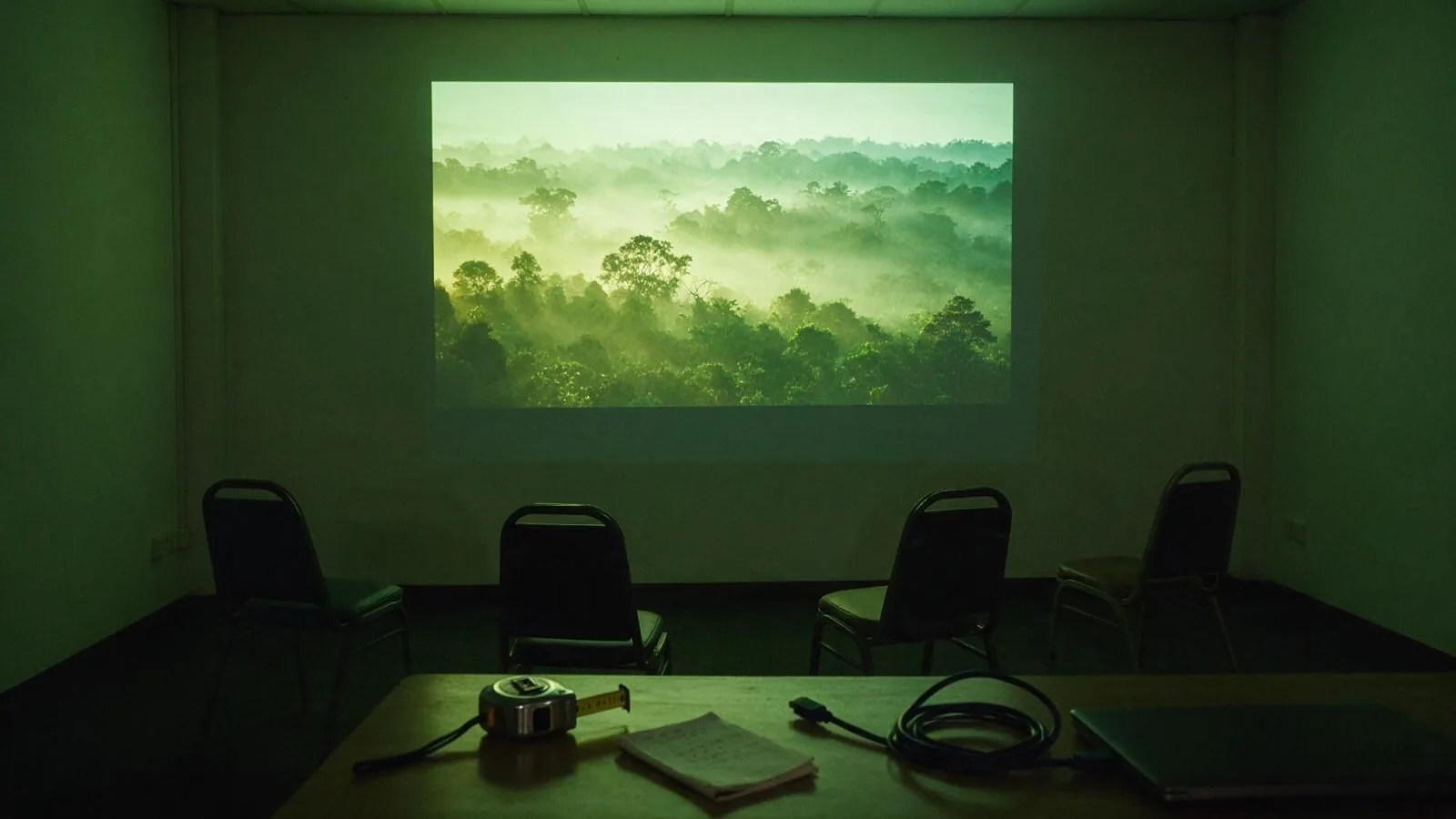
What should you measure before you leave home?
Two numbers and one observation: the distance from the projector position to the wall, the width you want the picture to be, and how much light the room keeps at the hour you teach. Mid-morning with the louvres open is a different room from 8pm with the lights off.
The numbers meet in the throw ratio, which says how far back a projector sits for a given image width; our guide on what a 1.2:1 throw ratio means does the arithmetic. Neon+ publishes a throw ratio for every model, and for six of the seven the image size at one metre.
| Model | Published throw ratio | Published image at one metre | Published brightness |
|---|---|---|---|
| Q1 | 1.4:1 | Not published | 150 ANSI lumens |
| C2000 | 1.07:1 | 42 inches | 180 ANSI lumens |
| K5 | 1.2:1 | 37.4 inches | 350 ANSI lumens |
| V8 | 1.2:1 | 39 inches | 600 ANSI lumens |
| V6 | 1.2:1 | 39 inches | 600 ANSI lumens |
| X5 | 1.2:1 | 38 inches | 1600 ANSI lumens |
| X5 Plus | 1.2:1 | 38 inches | 1600 ANSI lumens |
Neon+ publishes mode figures only for the V8: 450 ANSI standard, 300 power saving.
Note where people will sit too. AVIXA, the audiovisual industry body, bounds the nearest seat by “a line drawn 60 degrees from the perpendicular of each edge of the image”. Light matters as much as geometry — our guide on room light, image size and brightness covers that, and Projector Kingdom, a Malaysian projector retailer, puts it plainly: “Your living room, classroom, or boardroom is not a lab.”
What should you bring to the showroom?
Bring the chain, not the shortlist: the laptop or phone you will connect, the cable or adapter it needs, and the file or app the lesson depends on. Our projector connections checklist covers which sockets to confirm beforehand.
Bring the room too: your measurements and a photograph of the wall taken at the hour you will use it, which settles wall-colour and window-light arguments a description never will. Note the shelf it will sit on: Projector Kingdom advises keeping “at least 20cm of ventilation clearance” in Malaysia’s humid conditions.
What should you test while the projector is running?
Test six things while the projector is running: your own file at your measured width, the lights up and down, focus after the unit is moved, your own audio from the back, the battery mode if the model has one, and the app your lesson depends on.
- Your content, at your width. Open your own file at the width you measured: what looks sharp at the showroom’s width can lose small type at yours.
- The lights, up and down. Projector Kingdom is blunt: “Showroom lighting is controlled, but your living room at 3pm with sunlight streaming through the window is a completely different story.”
- Focus, the way the model does it. Neon+ publishes a focusing method per model, from a manual scroll wheel on the Q1 to laser focus on the V8, X5 and X5 Plus. Move it and watch how long it takes to come back sharp.
- Sound, where you need it. Published speakers are 5W x 2 on the Q1, C2000, K5, V8 and V6 and 10W x 2 on the X5 and X5 Plus. Play your own audio from the back row.
- Battery, if the model has one. Three models publish a built-in battery: the C2000 lists 130 minutes in highlight mode, 170 in standard and 190 in power saving; the K5 lists 130, 160 and 280; the V8 lists 100, 120 and 150. Ask which mode is running (see battery or plug-in power).
- The app you depend on. No published specification table mentions Netflix, the Play Store or streaming; they give the Android version and nothing more, so open the app you need on the unit (see streaming on a portable projector).
One number deserves scepticism, not a test. Six of the seven Neon+ tables publish contrast as a full-on/full-off figure, the method BenQ Malaysia says “is easy to manipulate”, so judge contrast on your own mixed image. Your eyes need the same caution: ViewSonic notes that saturated LED and laser light sources “may appear brighter than their ANSI lumen rating suggests”. Unfamiliar terms are defined in the projector glossary.
What should you ask about price, warranty and getting it home?
Neon+ publishes its shop prices, RM799 to RM4,999, so check the product page before you go and ask instead what is in the box and what an accessory adds. 0% PayLater instalments need an application and approval through the PayLater application form.
Then ask the three questions that only matter after you have paid. What happens if it fails: Neon+ gives a 365-day local warranty against manufacturing defects, handles faults by 1-to-1 replacement, gives no cash refunds, and the customer bears the postal cost of a return. What proof you need: the Terms and Conditions ask for the Order ID, name and email of the customer, accept no claim on a unit from an unauthorised dealer or a second-hand marketplace, and set out when a diagnostic fee is payable. And what if you chose wrongly: an upgrade to a higher-tier model is allowed within 3 days of purchase.
Delivery is free over RM50 including Sabah and Sarawak and RM8 below that, orders ship within 3 working days, and East Malaysia can take up to 3 weeks (see our guide to warranty, refunds and delivery).
Where can you see a Neon+ projector, and when should you call ahead?
Neon+ has three places to walk into, all of them outside the Klang Valley: the head office and showroom in Ipoh, Perak, a store in Kota Kinabalu, Sabah, and one in Sibu, Sarawak. Published hours are Monday to Friday 9am to 5pm and Saturday 9am to 1pm; confirm the branch’s own hours when you call.
The practical step is a call or WhatsApp message on +6012-565 2091, or an email to info@neonplus.com.my. Say which models you want to see and what you will plug in, so the right unit is connected when you arrive; the contact page has the addresses. If no store is reachable, send the measurements, photograph and device list instead. Projector Kingdom’s advice is to “prioritize retailers who offer demo units or a clear return policy”, and Neon+ publishes its terms instead of a refund. For a classroom, start with our classroom projector setup guide.
Quick answers
Frequently asked questions
Do I need an appointment to see a Neon+ projector?
Neon+ publishes opening hours of Monday to Friday 9am to 5pm and Saturday 9am to 1pm. Call or message +6012-565 2091 first so the models you want are set up, and say how wide your image must be and what you will plug in.
What should I take to a projector demonstration?
The device you will connect, the adapter it needs, the file or app your lesson depends on, your two room measurements, and a photograph of the wall at the hour you use it.
Can I change my mind after buying a Neon+ projector?
Not for a cash refund: Neon+ does not give them. A manufacturing fault inside the 365-day warranty is met with 1-to-1 replacement, and an upgrade to a higher-tier model is allowed within 3 days of purchase.
Does it matter where I buy the projector from?
Yes. The Neon+ Terms accept no warranty claim on a unit bought from an unauthorised dealer or second-hand from a marketplace, and proof of purchase is the Order ID, name and email of the customer.
How do I know the image will be big enough in my room?
Compare the projector-to-wall distance with the published throw ratio, or use the published image size at one metre: 39 inches on the V6 and V8, 42 inches on the C2000 and 37.4 inches on the K5.
Sources
Sources
- AVIXA, Display Image Size (DISCAS).
- ViewSonic Library, Projector Brightness Guide.
- BenQ Malaysia, Home Theater Projector Buying Guide.
- Projector Kingdom, Projector FAQ Malaysia.
What should you ask Neon+ before you visit?
Send Neon+ the distance from the projector position to the wall, the image width you want, the devices you will connect and the hour you will use the room, and ask which models to have set up when you arrive.
More Neon+ guides and pages
- About Neon+, the portable projector brand from Ipoh
- Contact Neon+: phone, email and the Ipoh showroom
- Neon+ questions, answered
- Projector glossary: spec-sheet terms, defined
- Neon+ projector guides
- Neon+ privacy policy
- Neon+ V6 projector specifications
- How to choose a portable projector: start with the room
- Native resolution vs supported input: what projector buyers should check
- Battery projector or externally powered projector?
- How room light and image size affect projector brightness in a classroom
- Which projector connections should you check before buying?
- Do you need an external speaker with a portable projector?
- What comes in a Neon+ projector box, and what else do you need?
- Can you watch Netflix on a portable projector?
- How to set up a classroom projector in Malaysia
- What a 1.2:1 throw ratio means for projector distance and placement
- Classroom projector setup checklist: pre-lesson checks
- Neon+ warranty, delivery and support: what to know before you buy